Wi-Fi at 2.4, 5 and 6 GHz: which band to use, and when
· Technology
Your router's settings page often lists two network names for one Wi-Fi, and on newer models three. Most of us pick the fast-looking one and move on, until the connection drops behind a wall a few meters away. The three bands are not the same signal with different labels. Each is a separate slice of the radio spectrum, and each costs you something different.
Why does range shrink as frequency goes up?
Even in free space, a higher-frequency signal loses more strength over the same distance. Doubling the frequency adds about 6 dB of loss. According to Wikipedia, the reason is not that empty space absorbs the signal: the area a receiving antenna can capture shrinks with the square of the wavelength. [3] Going from 2.4 GHz to 5 GHz costs roughly 6 dB at the same distance, and the gap widens toward the top of the 6 GHz band. Six dB means about a quarter of the received power. That is the starting difference before any wall gets involved.
Walls widen it. Wikipedia's Wi-Fi article says 5 GHz bands are absorbed more by common building materials than 2.4 GHz bands and usually give shorter range. [2] For actual numbers, an in-building planning company (iBwave) lists a drywall partition at about 5.4 dB at 2.4 GHz and about 10.1 dB at 5 GHz. Heavy concrete comes out at 22.8 dB against 44.8 dB. That is one vendor's table, and in a real home material thickness and moisture shift the numbers a lot, but the direction is clear. [6]
.jpg)
2.4 GHz: narrow and crowded, but it reaches far
Channels in the 2.4 GHz band sit 5 MHz apart, while one Wi-Fi channel is 20 MHz wide, so neighboring channels overlap. In the US, channels 1, 6 and 11 are the three that practically do not interfere with each other. [1] When every router in an apartment block piles onto those three, traffic jams.
The band is also shared with microwave ovens, cordless phones and Bluetooth devices, which Wikipedia says can add significant interference to Wi-Fi. [2] On the other hand it gets through walls best, which is why it still makes sense for a device in a far room.
5 GHz: a wider road, with a radar rule
5 GHz has many more channels and allows wider ones. One detail is often skipped: in the 5.25 to 5.35 GHz and 5.47 to 5.725 GHz ranges, the FCC has required dynamic frequency selection (DFS) since 2007. The goal is to avoid disturbing weather radar and military systems. Germany and Brazil also require DFS in these ranges. [1] So if a router detects a radar-like signal on those channels, it has to vacate. It is no surprise that some routers skip or deprioritize those ranges in automatic channel selection.
6 GHz: new space opened from scratch
In the US the FCC opened 1,200 megahertz between 5.925 and 7.125 GHz to unlicensed use in 2020. Indoors, low-power access points may use the whole band without automated frequency coordination (AFC). Standard power is allowed only under AFC control and in specific sub-bands, because licensed microwave links use those frequencies. [4] Under low power the US fits 59 channels of 20 MHz and 7 channels of 160 MHz. Europe set aside only 5945 to 6425 MHz, which yields 24 channels of 20 MHz and 3 of 160 MHz. [1]
The Wi-Fi Alliance says Wi-Fi 7 can use 320 MHz channels in 6 GHz, which it describes as twice the throughput of Wi-Fi 6. [5] To use the band, both the router and the device must support it: 6 GHz exists only on Wi-Fi 6E and Wi-Fi 7 hardware. I could not confirm under what conditions 6 GHz can be used in Turkey. If you live elsewhere, check your own regulator and the seller before buying.
| Band | Strength | Weakness |
|---|---|---|
| 2.4 GHz | Best through walls | Few channels, many neighbors and interference |
| 5 GHz | Many and wide channels | Shorter range, DFS on some channels |
| 6 GHz | Empty spectrum, widest channels | Most sensitive to walls, needs new hardware |
What do Wi-Fi 6E and 7 mean?
The Wi-Fi Alliance introduced Wi-Fi 6 in 2018 with 160 MHz channels, 1024 QAM, OFDMA and multi-user MIMO, and the addition of 6 GHz spread that generation across three bands. The next generation, Wi-Fi 7, arrived in 2024. [5] In Wikipedia's generation table Wi-Fi 6E has its own row, with support for 2.4, 5 and 6 GHz. [2] As far as I know, "tri-band" on a box does not always mean 6 GHz; some three-band models carry two separate 5 GHz radios next to the 2.4 GHz one. Check that 6 GHz support is written out before you buy.
How I would choose
This part is my opinion. For a phone or laptop in the same room or one wall away, 5 GHz (or 6 GHz if you have it) is usually more comfortable. In far rooms, on the balcony and anywhere the signal struggles, dropping to 2.4 GHz makes sense. Routers that merge the bands under one name do the switching for you, but not every device makes the right call. Separate names can help pin a stubborn device to a specific band.
Why does 5 GHz test so much faster than 2.4 GHz?
Mostly because of channel width and crowding. At 2.4 GHz only three non-overlapping channels are shared with the neighbors. 5 GHz has more channels and allows wide ones. As distance grows, that advantage shrinks because of the attenuation described above.
Sources
- Wikipedia. List of WLAN channels (accessed 2026-10-20)
- Wikipedia. Wi-Fi (accessed 2026-10-20)
- Wikipedia. Free-space path loss (accessed 2026-10-20)
- FCC Fact Sheet: Unlicensed Use of the 6 GHz Band (April 2, 2020) (accessed 2026-10-20)
- Wi-Fi Alliance. Wi-Fi CERTIFIED 6 (accessed 2026-10-20)
- iBwave. Exploring Attenuation Across Materials & the 2.4GHz / 5GHz Bands (accessed 2026-10-20)
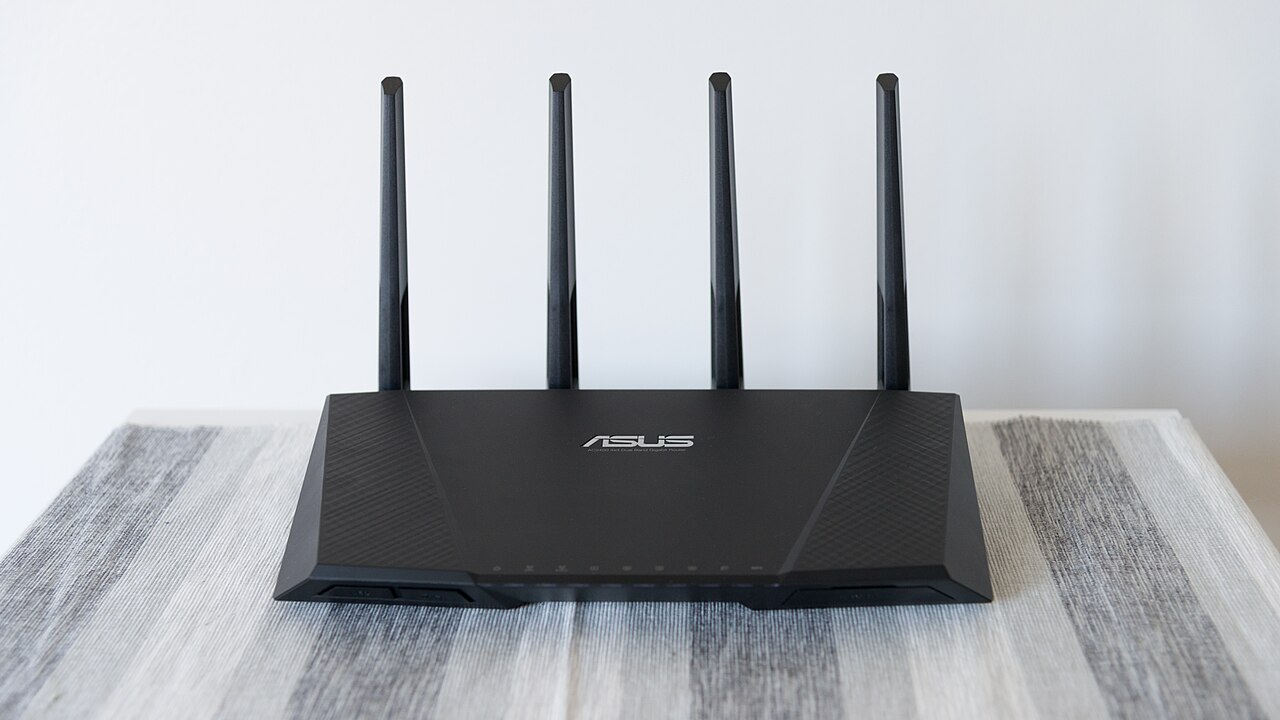
Cover image: an ASUS router with four antennas. Daniel Aleksandersen · CC BY-SA 2.0
.jpg)