ASUS ProArt PZ14
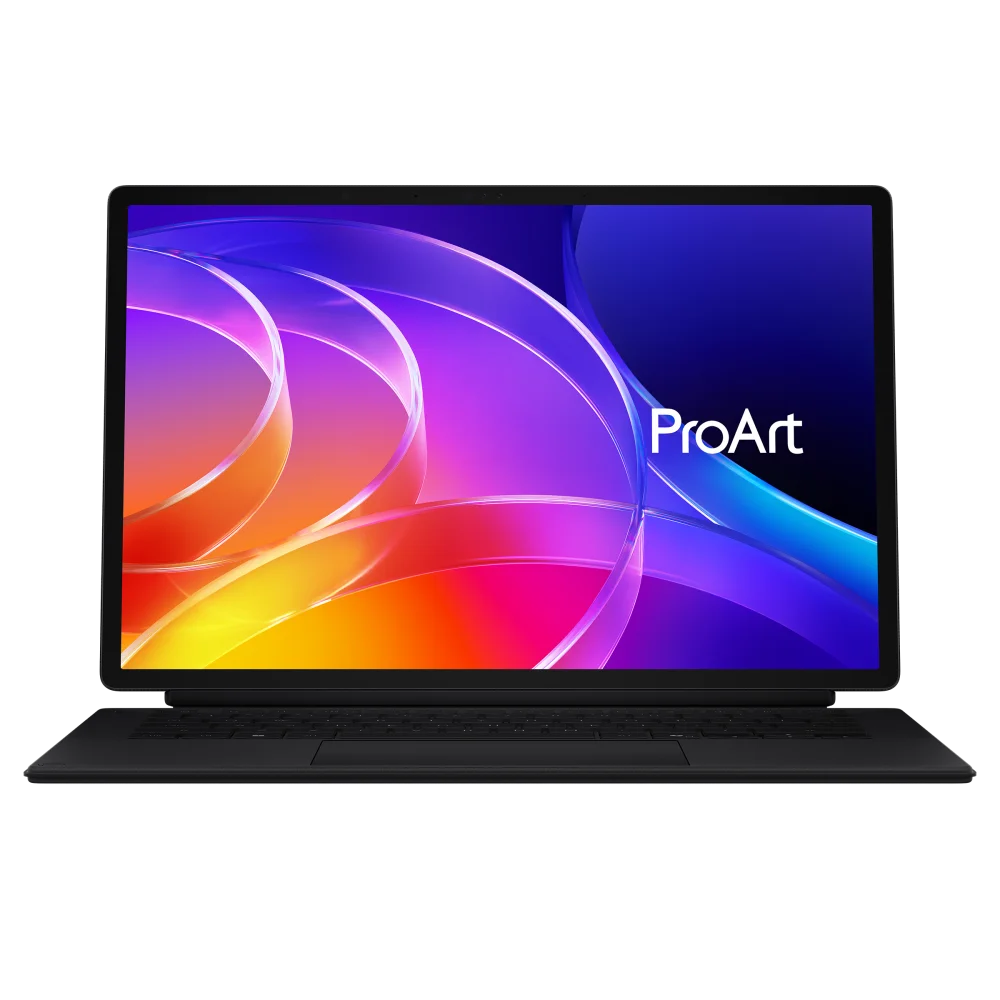
ProArt PZ14 becomes a Windows tablet when its keyboard is detached. Its OLED display suits drawing and photo work. Snapdragon X2 Elite uses Arm architecture, so application, plug-in and peripheral-driver compatibility matter alongside raw processor performance.
HT7407NA-PA/PZ14_E0 · 16 GB / 512 GB · Nano Black
Specifications
| Specification | Value |
|---|---|
| Availability year | 2026 |
| Processor | Snapdragon X2 Elite X2E-88-100 · 18 cores / 18 threads |
| Graphics | Integrated Qualcomm Adreno |
| NPU | Qualcomm Hexagon · up to 80 TOPS |
| Memory | 16 GB LPDDR5X · soldered |
| Storage | 512 GB PCIe 4.0 NVMe SSD |
| SSD slot | 1 × M.2 2230 PCIe 4.0 ×4; occupied slot included |
| Display | 14-inch OLED · 2880 × 1800 · 16:10 |
| Refresh | 144 Hz; variable refresh |
| Brightness | 500 nits; 1000 nits peak HDR |
| Touch and pen | Touchscreen; ASUS Pen SA205H support |
| USB | 2 × USB4 Type-C · 40 Gbit/s · display and PD |
| Card reader | SD Express 7.0 |
| Cameras | Front 8 MP + IR; rear 13 MP |
| Wireless | Wi-Fi 7 2×2; Bluetooth 6.0 |
| Battery | 75 Wh · 4 cells |
| Adapter | 68 W USB-C |
| Tablet dimensions | 319.6 × 206.4 × 9 mm · 790 g |
| System | Windows 11 Home |
From the manufacturer
ASUS emphasizes a portable body with colour accuracy, pen input and on-device creative tools. ASUS
Strengths and limitations
Notebookcheck likes the display’s colour profiles and keyboard, but notes loud cooling under heavy load and the need to check Arm application compatibility.
Notebookcheck — Andreas Osthoff: ProArt PZ14 ReviewProfesional Review measured 482 cd/m2 peak SDR brightness, 100 percent sRGB and DCI-P3 coverage and an average Delta E of 1.05 on the display, and found the panel well calibrated out of the box. It got about 14 hours in the Procyon office battery test.
Profesional Review: ASUS ProArt PZ14 HT7407 reviewIn the same review, sustained load caused thermal throttling, with CPU frequency dropping to about 1.3 GHz and power to about 14 W; fan noise rose to about 51 dBA against a 30 dBA room baseline. On the review unit the right side of the touchpad sat slightly low, making right clicks inconsistent.
Profesional Review: ASUS ProArt PZ14 HT7407 review
Owner experiences and issues
ALEXL criticizes the absence of the expected ASUS Pen 3.0, while ursshivab likes the display and performance.
Best Buy: HT7407NA-PA/PZ14_E0 buyer reviewsfollowsol reports SECURE_KERNEL_ERROR (0x18B) crashes on Windows 11 26H1, recurring on a replacement. The previously reported desktop-shell issue was resolved.
Reddit — followsol: PZ14 issue and follow-ups
Tags
Compare
- Lenovo LOQ 15 (15AHP11) / ASUS ProArt PZ14
- Apple MacBook Air 13-inch (M5) / ASUS ProArt PZ14
- ASUS Zenbook A16 (UX3607OA) / ASUS ProArt PZ14
- ASUS ROG Zephyrus G14 (2026) GU405 / ASUS ProArt PZ14
- Acer Swift Air 14 / ASUS ProArt PZ14
- ASUS ProArt PZ14 / ASUS ROG Strix G18 (2026)
- ASUS ProArt PZ14 / MSI Raider 16 Max HX
- ASUS ProArt PZ14 / Razer Blade 16 (2026)
- ASUS ProArt PZ14 / Apple MacBook Air 13-inch (M4)
- ASUS ProArt PZ14 / ASUS ROG Strix SCAR 16 (2025) G635LX
- ASUS ProArt PZ14 / ASUS ROG Zephyrus G16 (2025) GU605CX
- ASUS ProArt PZ14 / HP OMEN MAX 16 (16-ah0999nw)
- ASUS ProArt PZ14 / MSI Crosshair 16 HX AI D2XWGKG-211US
- ASUS ProArt PZ14 / MSI Katana 15 HX B14WFK-487
- ASUS ProArt PZ14 / MSI Titan 18 HX AI A2XWJG-070
- ASUS ProArt PZ14 / MSI Vector 16 HX AI A2XWIG-058US
Sources
- ASUS: HT7407NA technical specifications
- ASUS: ProArt PZ14 availability announcement
- ASUS: HT7407NA E26315 E-Manual
- Notebookcheck — Andreas Osthoff: ProArt PZ14 Review
- Best Buy: HT7407NA-PA/PZ14_E0 buyer reviews
- Reddit — followsol: PZ14 issue and follow-ups
- Profesional Review: ASUS ProArt PZ14 HT7407 review