Dell UltraSharp U3226Q
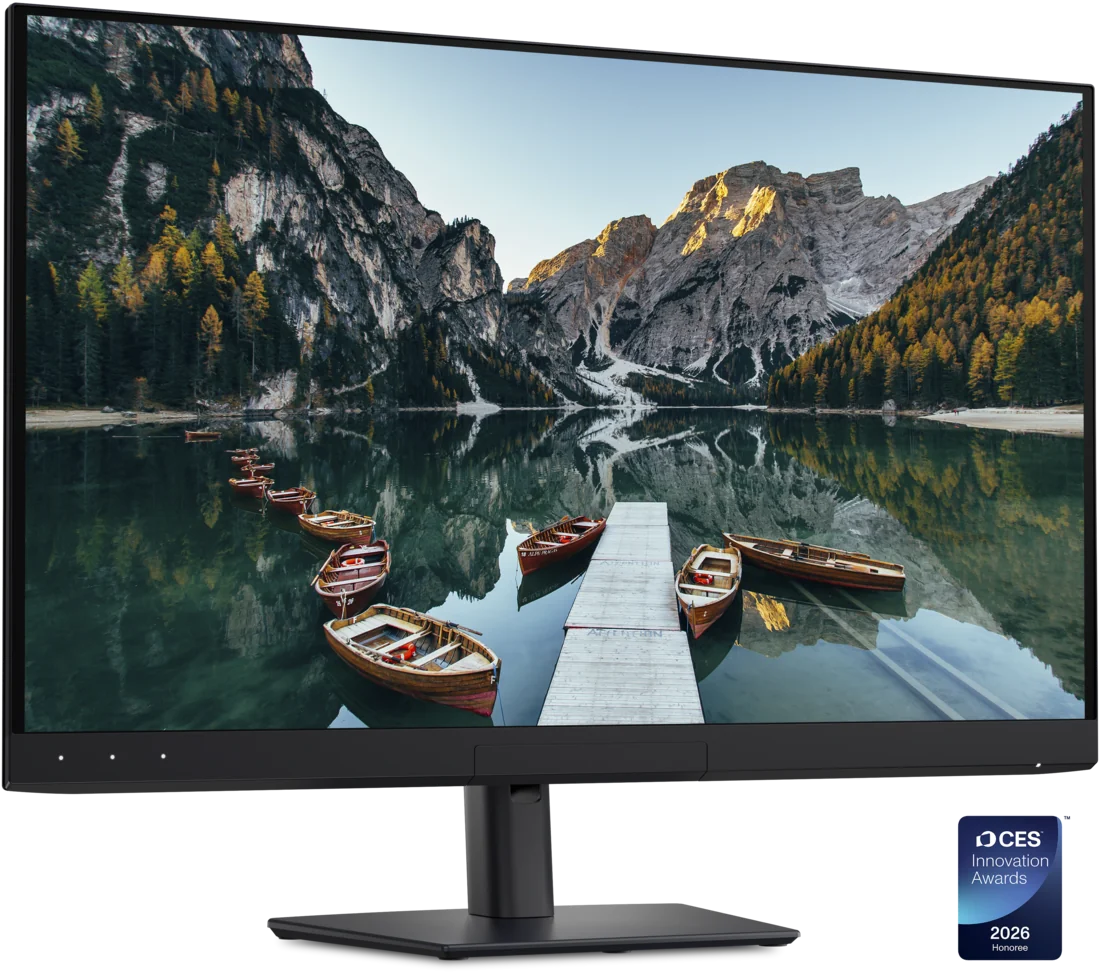
U3226Q is a 4K QD-OLED monitor for colour work. Its retractable sensor can calibrate the display, while Thunderbolt and Ethernet make it a laptop docking station. There are no built-in speakers.
U3226Q · PW88C · 31.5-inch · black
Specifications
| Specification | Value |
|---|---|
| Display | 31.5-inch QD-OLED · 3840 × 2160 |
| Refresh rate | 120 Hz |
| Pixel density | 140 ppi |
| Typical brightness | 300 nits |
| Peak HDR brightness | 1000 nits · 3% APL |
| HDR formats | Dolby Vision, PQ, HLG; DisplayHDR True Black 500 |
| Colour coverage | 99% DCI-P3 / Display P3; 94% Adobe RGB; 100% sRGB |
| Pixel response | 0.03 ms GtG |
| Surface | Anti-glare low-reflectance coating |
| Calibration | Built-in colorimeter; settings stored on the monitor |
| Video inputs | 2 × HDMI 2.1 FRL; 1 × DisplayPort 1.4 |
| Thunderbolt upstream | Thunderbolt 4; video/data; up to 140 W EPR |
| Thunderbolt downstream | Thunderbolt 4 daisy chain; up to 15 W |
| USB upstream | 1 × USB-C 10 Gbit/s; data only |
| USB downstream | 3 × USB-A 10 Gbit/s; 2 × USB-C 10 Gbit/s / up to 27 W |
| Network | RJ45 · 10/100/1000/2500 Mbit/s |
| Multiple sources | KVM, PIP and PBP |
| Stand | 150 mm height; −5°/+21° tilt; ±30° swivel; ±90° pivot |
| Audio / camera | No built-in speakers or webcam |
From the manufacturer
Dell highlights the built-in colorimeter and calibration saved on the monitor to preserve colour settings across workstations. Dell
Strengths and limitations
Matthew Smith praises colour accuracy but measures gamma 2.3 against a 2.2 target, making the image slightly darker. He notes that the settings allow adjustment.
PCWorld — Matthew Smith: UltraSharp U3226Q reviewThe same test finds that the matte finish reduces glare but makes black look less deep than on a glossy surface.
PCWorld — Matthew Smith: UltraSharp U3226Q reviewT3’s David Nield, after several weeks, found the colour calibration a cut above rivals and the image very crisp. The built-in colorimeter swings up from the bottom bezel and calibrates without external tools, can be scheduled overnight and takes up to 30 minutes. The review likes the pop-out USB hub and tidy design, criticises the lack of built-in speakers and brightness that could be higher, and recommends it for colour-critical professionals.
T3: Dell UltraSharp 32 4K QD-OLED (U3226Q) review
Owner experiences and issues
vashivisuals likes the OLED blacks and built-in sensor while grading documentaries.
vashivisuals: Grading documentaries on the U3226Q
Tags
Compare
- ASUS ROG Swift OLED PG32UCWM / Dell UltraSharp U3226Q
- Alienware AW3226Q / Dell UltraSharp U3226Q
- Dell UltraSharp U3226Q / LG UltraGear evo GX9 39GX950B-B
- Dell UltraSharp U3226Q / MSI MPG 322UR QD-OLED X24
- Dell UltraSharp U3226Q / Samsung Odyssey OLED G6 G60SF (27-inch)
- Dell UltraSharp U3226Q / ASUS ROG Strix OLED XG27UCDMG
- Dell UltraSharp U3226Q / ASUS ROG Swift OLED PG27UCDM
- Dell UltraSharp U3226Q / Dell UltraSharp U2725QE
- Dell UltraSharp U3226Q / LG UltraGear 27GX790A-B
- Dell UltraSharp U3226Q / MSI MPG 271QR QD-OLED X50
- Dell UltraSharp U3226Q / ASUS ROG Swift OLED PG27AQDP
- Dell UltraSharp U3226Q / MSI MPG 321URX QD-OLED